


License of peel.CAD software
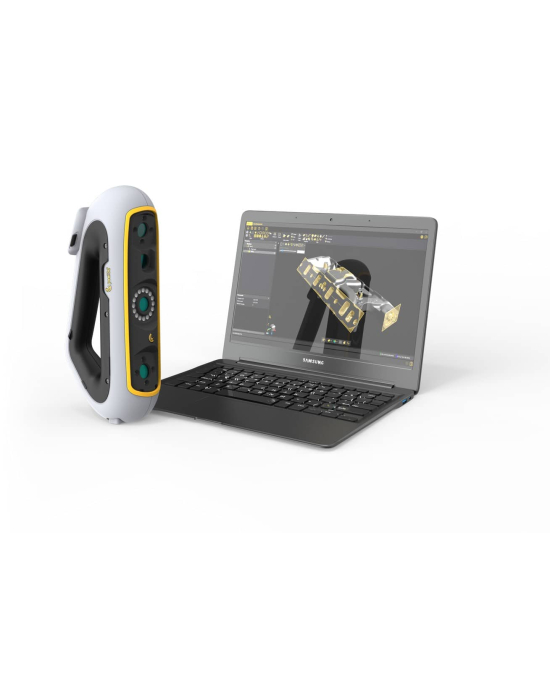
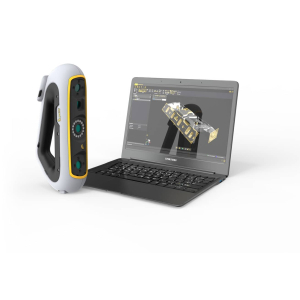
Introducing CAD design software peel.CAD for reverse engineering with creating, editing and optimizing meshes created with Peel 3 scanners, exporting them to .DAE, .FBX, .MA, . OBJ, .PLY, .STL, .TXT, .WRL, .X3D, .X3DZ, .ZPR, or create CAD entities and NURBS surfaces from meshes for export to IGES, STEP, and DXF formats used by CAD programs such as Solidworks™, Inventor™, PTC, and others.
Unlock the full potential of 3D scanning and reverse engineering with peel.CAD software!
- Geometric entities. Create cylinders, planes, spheres, cones, and more to send to CAD or use for advanced alignment.
- Cross-sections. Use planes to break up your model and extract the shape of one or as many cross sections as you like.
- Surfaces. Turn part or all of an object into a surface model in CAD.
- Advanced improve. Fill holes, smooth areas, remove spikes, edit boundaries, and more! Make your scan look as vivid as possible.
- Advanced edit. Expand, shift, modify, waterproof, and transform your scan before moving on to the next step.
- Direct transfer to CAD. Easily send the elements you create directly to your favorite CAD platform.
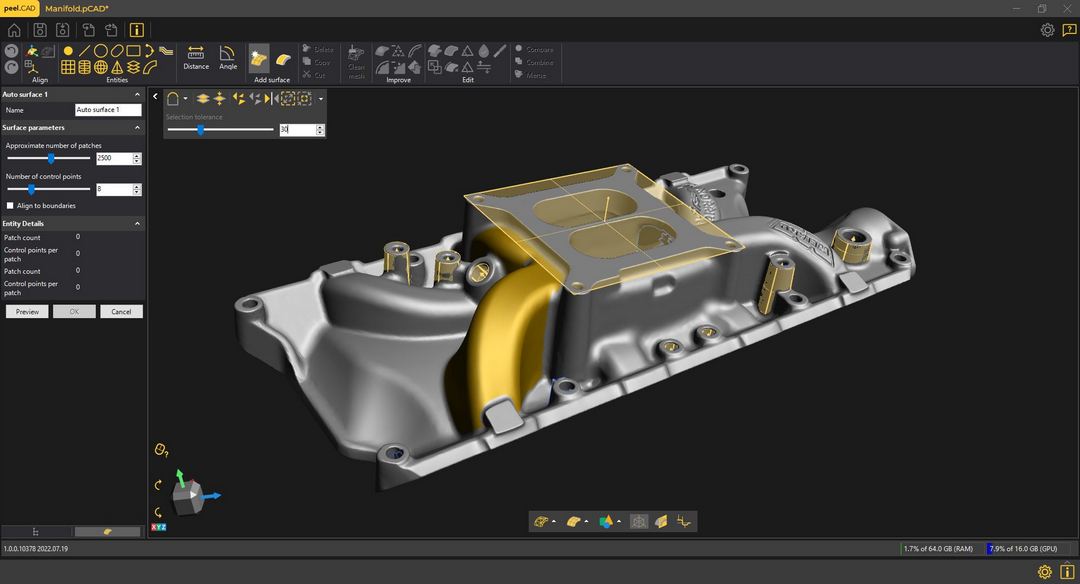
Bright shiny tools
Check out the wide range of features that will take the guesswork and hard work out of your reverse engineering project. Roll out your RE like never before!
- Fill. Expand the captured surface to fill in areas you missed or couldn't capture the first time.
- Merge. Combine multiple scans into a single object.
- Align. Properly position your scan in space for later use.
- Smooth. Remove unwanted dents or bumps in your scan.
- Decimate. Reduce the number of triangles that define your scan to make your scan as light as possible.
- Colorize. Apply the resulting color to your scan to create a clean, crisp texture.
- Entities. Place the most useful geometric objects (such as planes, cylinders, spheres, and more) on the grid for use in CAD projects.
- Cross sections. Use planes to virtually cut through your mesh and extract the curve of a specific cross section.
- Surfaces. Select a section or the entire part and automatically bend the surface, or use manual tools to define your surface exactly as you want.
- Direct transfer to CAD. Take all the elements you've created with your scan as a reference and transfer directly to your favorite CAD program with just one click.
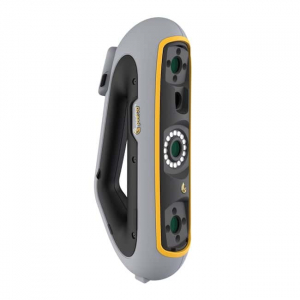
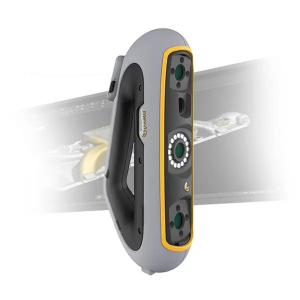
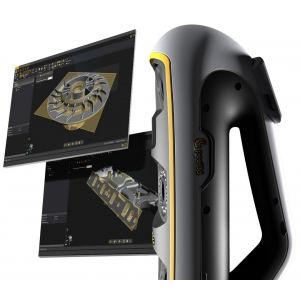
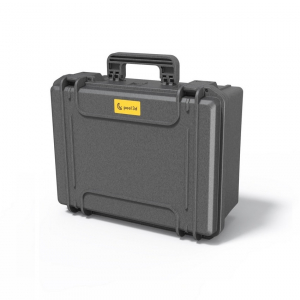
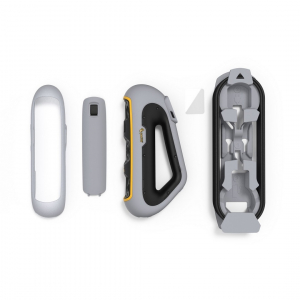
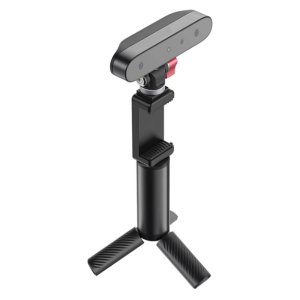
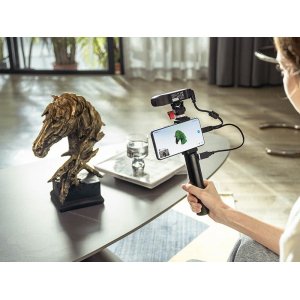
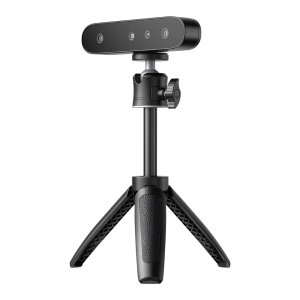
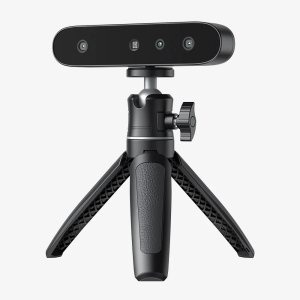
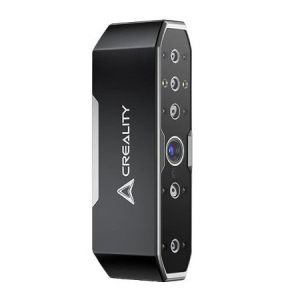
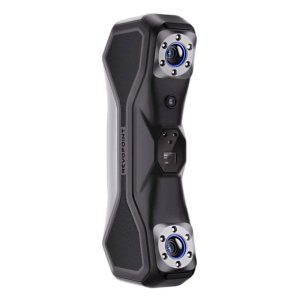
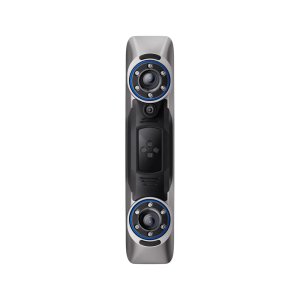
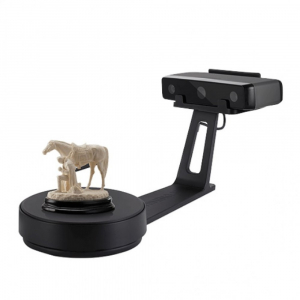
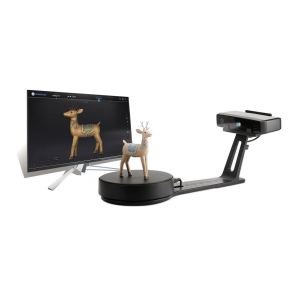
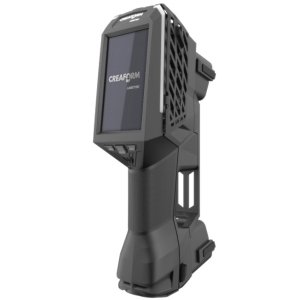
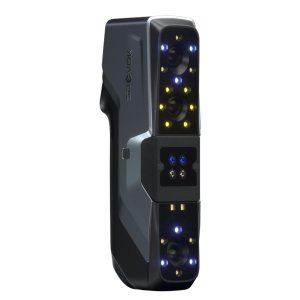
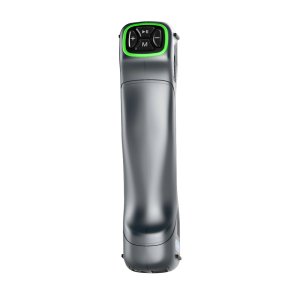
-300x300.jpg "3D scanner Peel 3D Peel 3 ProCAD")
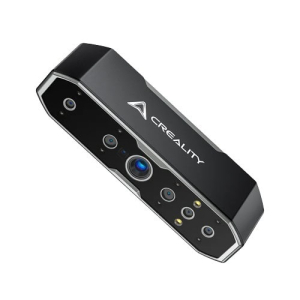
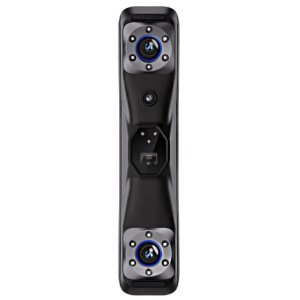
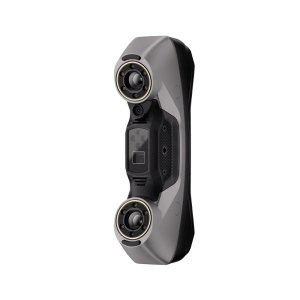
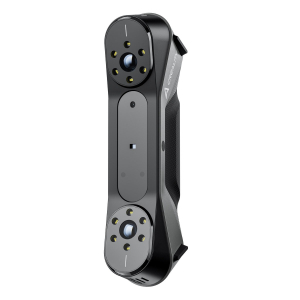
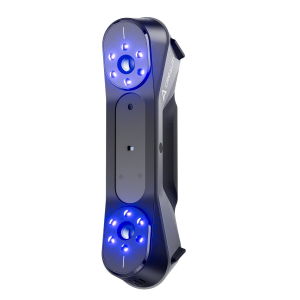
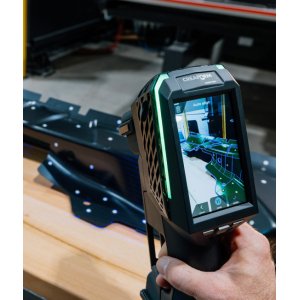
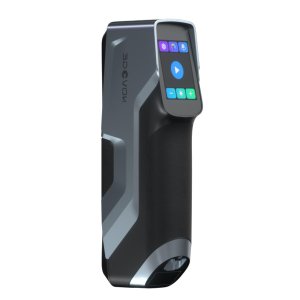
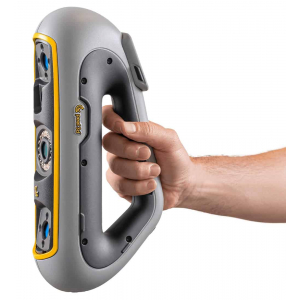
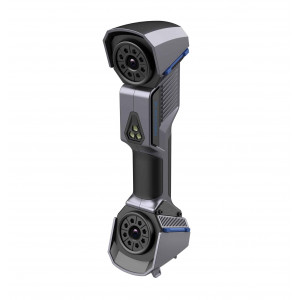
-300x300w.jpg "3D scanner Peel 3D Peel 3 ProCAD")
-300x300.jpg "Positioning targets for 3D scanners Peel 2-S - regular, 3 mm")