-550x688w.jpg "3D scanner Peel 3D Peel 3 ProCAD")
-550x688w.jpg "3D scanner Peel 3D Peel 3 ProCAD")
-550x688w.jpg "3D scanner Peel 3D Peel 3 ProCAD")
-550x688w.jpg "3D scanner Peel 3D Peel 3 ProCAD")
-550x688w.jpg "3D scanner Peel 3D Peel 3 ProCAD")
-550x688w.jpg "3D scanner Peel 3D Peel 3 ProCAD")
-80x100h.jpg "3D scanner Peel 3D Peel 3 ProCAD")
-80x100h.jpg "3D scanner Peel 3D Peel 3 ProCAD")
-80x100h.jpg "3D scanner Peel 3D Peel 3 ProCAD")
-80x100h.jpg "3D scanner Peel 3D Peel 3 ProCAD")
-80x100h.jpg "3D scanner Peel 3D Peel 3 ProCAD")
-80x100h.jpg "3D scanner Peel 3D Peel 3 ProCAD")
- Stock: In Stock
- Product code: 00-00012975



Peel 3 Pro.CAD 3D Scanner - A Simple Solution to Complex Tasks
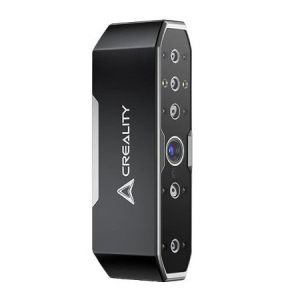
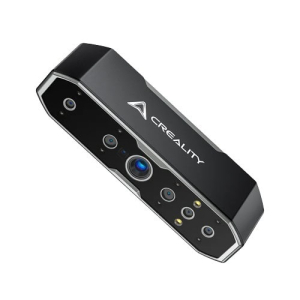
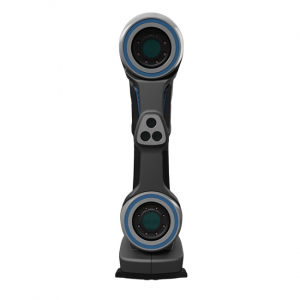
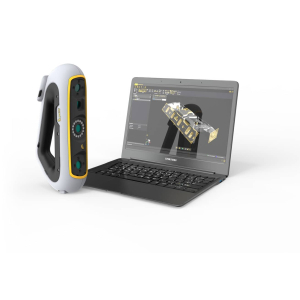
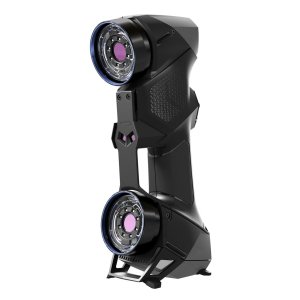
The Peel 3 Pro.CAD 3D scanner simplifies scanning and processing models with complex surfaces. This professional reverse engineering tool simplifies complex workflows. It helps increase productivity and quickly achieve high-quality results.
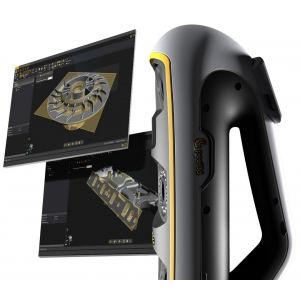
The scanner is equipped with powerful Peel.CAD Pro software. This software offers a comprehensive solution for CAD scanning. You can develop your projects in the same program. It is optimized for 3D modeling based on scanning data.
Tactile Communication and the New Universal Interface of Peel 3 Pro.CAD
Peel 3 Pro.CAD is a handheld 3D scanner with tactile communication. It has several recognizable vibration patterns. They help scan narrow and hard-to-reach places without direct visibility. The flexible software interface is optimized for maximum use of scanning data. It simplifies work and provides the best user experience.
.jpg)
Features of the Peel 3 ProCAD 3D Scanner
- Permissible object dimensions: 0.1-3.0 meters.
- Scanning accuracy 0.050 mm.
- Scanning area: 340x475 mm.
- Scanning speed: 80 sec/m².
- Distance to object: 250-550 mm.
- Intuitive ergonomics.
- Tactile communication.
- Clear interface.
- Simple 3D scanning training.
- Scanner comes with software.
- No need to constantly approach the computer.
- The convenient design of the Peel 3 and the distance meter allow you to scan effortlessly.
- Simple and user-friendly software.
.jpg)
Innovative Ergonomic Handle and Smooth LCD Screen in the Peel 3 Pro.CAD 3D Scanner.
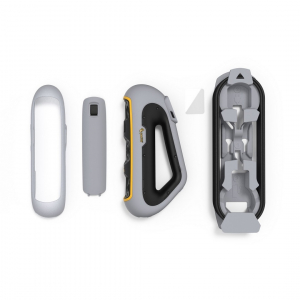
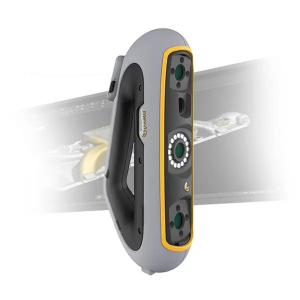
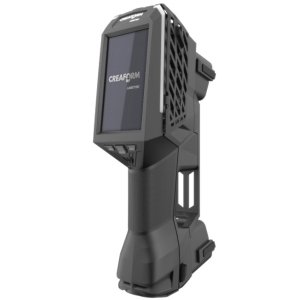
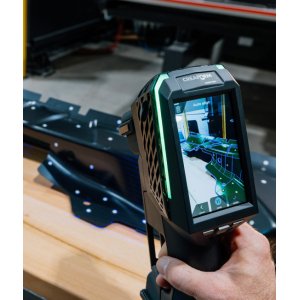
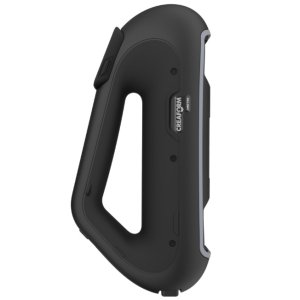
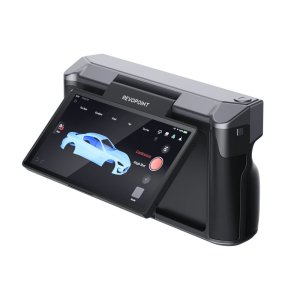
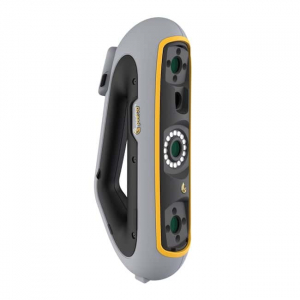
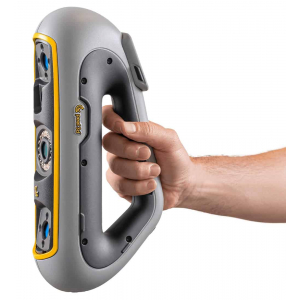
The unique triangular handle of the Peel 3D is designed for convenience. It is suitable for most common 3D scanning positions. The smooth touch LCD screen allows you to interact with the scanner in a new way. It can also be used as a distance meter. This allows you to scan without looking at the computer.
Professional Features for Increased Efficiency
Peel 3 Pro.CAD offers powerful tools for reverse engineering. They help eliminate unnecessary correspondence and increase work efficiency. Innovations and optimization accelerate and simplify the creation of sketches and CAD modeling based on scanning data.
Fast Modeling of Models of Any Complexity
Stages of Creating a 3D Model with the Peel 3 Pro.CAD Scanner
- Scan the object.
- Complete and align the grid.
- Create a sketch.
- Model.
- Compare and refine.
- Export.
.jpg)
Peel 3 Pro.CAD Package Contents
The delivery package includes:
- Bridge-to-CAD software.
- Power supply.
- USB cable.
- Scanning tags.
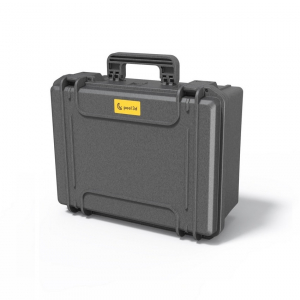
- Waterproof, shockproof and dustproof case allows you to comfortably transport the scanner.
.jpg)
Peel 3 Pro.CAD 3D Scanner – Application Areas
The global community of Peel 3D users has appreciated the wide capabilities of the practical and functional Peel 3 scanners. The new generation Peel 3 Pro.CAD device will help take reverse engineering to a new level. We are confident that the 3D scanner will be useful in any production. However, there are industries where they are indispensable.
Peel 3D scanners can be used for after-sales service and tuning, product design, and engineering.
Reverse Engineering in Design
Spend more time designing and less time 3D scanning! Speed up time to market without unnecessary hassle.
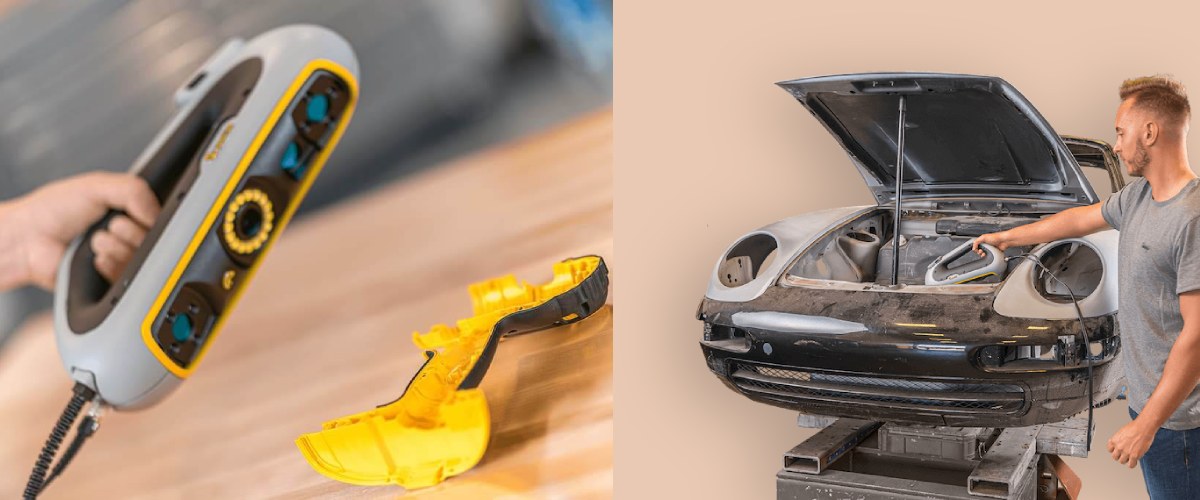
Automotive Engineering
Quickly manufacture the necessary parts with an easy-to-use 3D scanner. It will help you recreate the real necessary components.
After-Sales Service and Tuning
Imagine being able to take advantage of high-precision 3D scanning to get everything right the first time and avoid problems that could ruin your budget. Replicate everything you need with Peel 3 Pro.CAD!
The Peel 3D Peel 3 ProCAD 3D scanner is already available in Ukraine. You can order the Peel 3 ProCAD on the website or by phone. Improve your business with modern devices!
Buy a Peel.CAD Pro handheld scanner with accessories in Kyiv
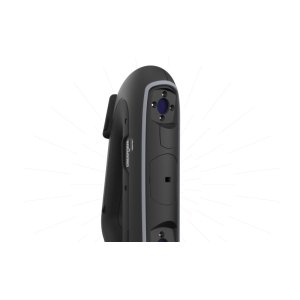
-300x300.jpg "3D scanner Peel 3D Peel 3 ProCAD")
-300x300w.jpg "3D scanner Peel 3D Peel 3 ProCAD")
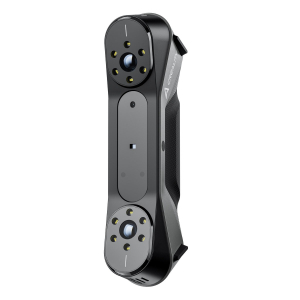
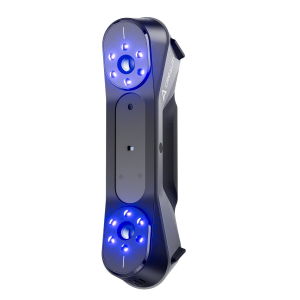
-300x300.jpg "3D scanner Creaform HandySCAN MAX")
-300x300.jpg "3D scanner Creaform HandySCAN MAX")
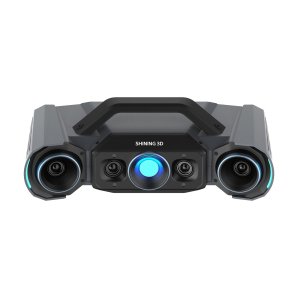
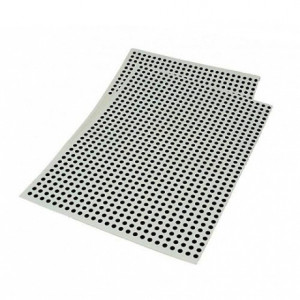
-300x300.jpg "Positioning targets for 3D scanners Peel 2-S - regular, 3 mm")