
- Stock: In Stock
- Product code: 00-00014907


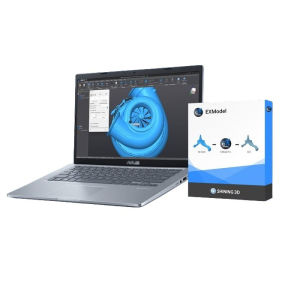
VXmodel & VXinspect – a set of two software modules for 3D scanners.
Software for Creaform's VXmodel & VXinspect 3D scanners: optimizing control and modeling processes.
2 programs optimize work with digital data. 3D modeling and parameter control have become much simpler and more accurate.
VXmodel Creaform Software
VXmodel Creaform software for 3D scanners is designed to optimize the digital copy of an object. The program quickly processes scanned data, preparing it for further use.
The program quickly optimizes the polygonal mesh. It extracts all necessary geometric parameters. Engineers and designers can conveniently continue working in CAD systems.
Exporting digital object copy files is done with a single right-click. After that, you can immediately process the digital CAD model. There is no need to learn new software. VXmodel is compatible with any CAD platforms. The main condition is support for .iges, .step, .dxf formats. Work more efficiently in your familiar environment.
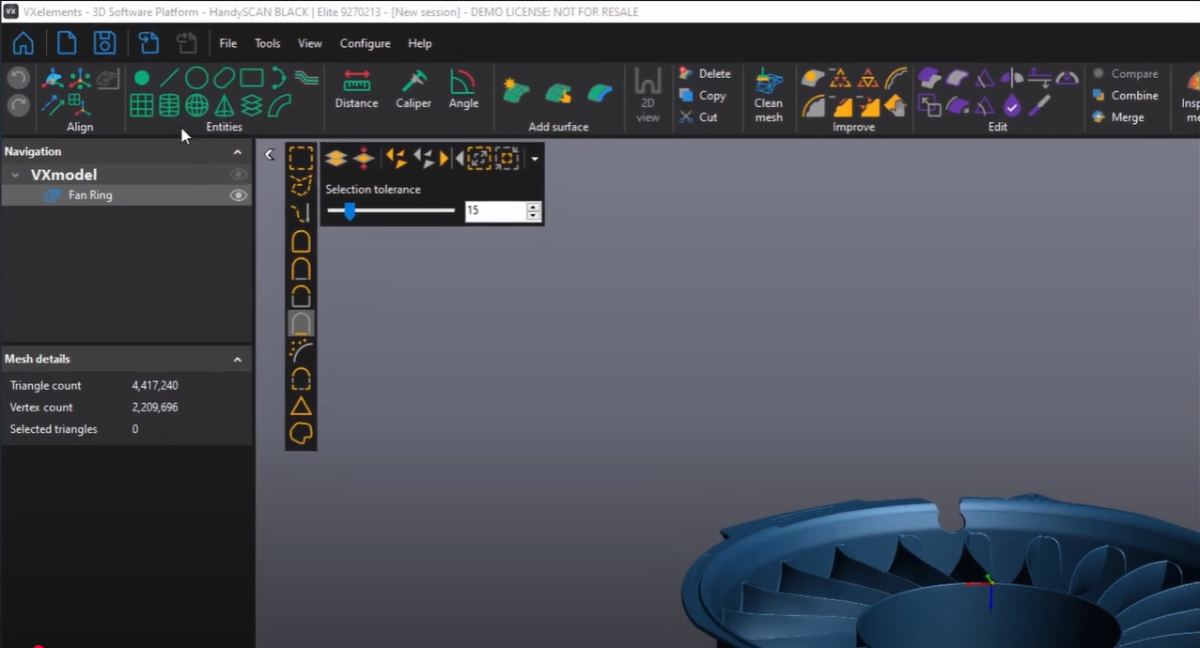
VXmodel allows for:
- Creating accurate CAD models based on scans.
- Preparing data for 3D printing.
- Performing inspection and quality control of parts.
VXinspect Creaform Software
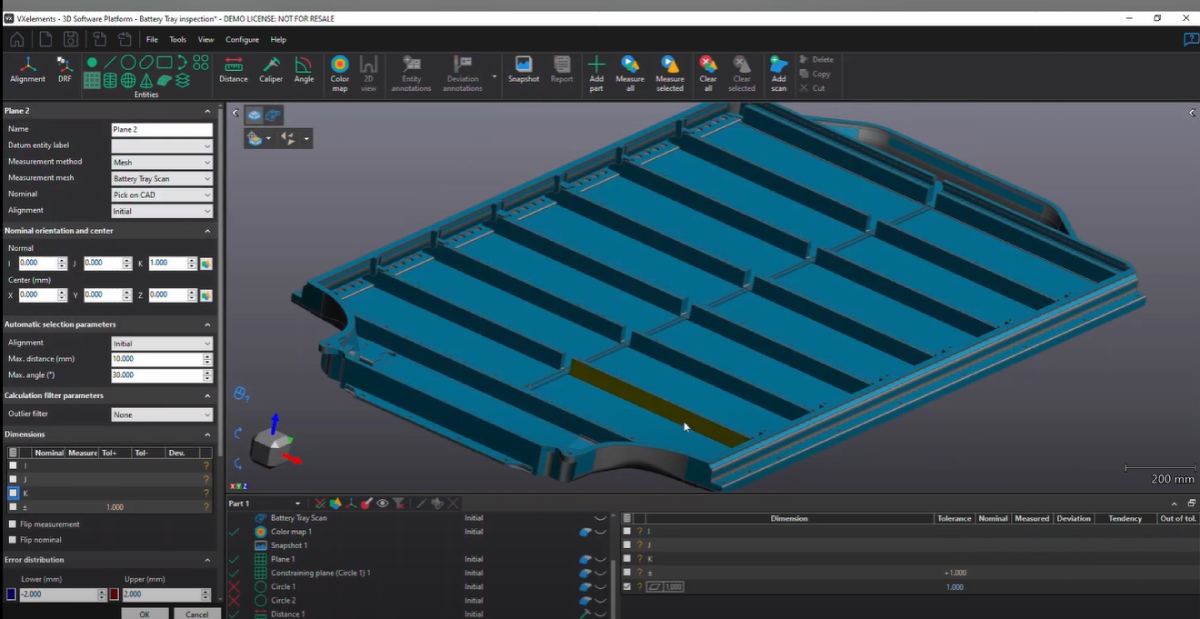
VXinspect Creaform software for 3D scanners is designed for dimension control. Measurement accuracy is equally important for both engineers and designers. The program provides a complete set of tools for 100% accurate dimension control.
The powerful VXinspect industrial software module is developed for Creaform 3D scanners. The main task of the program is geometric analysis and quality control. Simple integration with Creaform brand equipment allows for efficient work, even without extensive experience in measurement and control. Professionals will appreciate the fast and accurate data processing throughout the full measurement cycle. Work begins with data alignment and ends with the creation of quality control reports. A user-friendly interface allows for quick mastery and successful use in daily work.
VXinspect provides:
- Data alignment.
- Parameter control.
- Creation of 2D and 3D analyses.
- Simple integration with CAD software.
- Report generation.
Joint Use of VXmodel and VXinspect
The combination of two powerful software modules – VXmodel and VXinspect – opens up wide possibilities for working with 3D data. Together, they provide a full data processing cycle. It starts with the creation of digital models. It ends with detailed quality control.
Advantages of Joint Use of VXmodel and VXinspect
- Full Processing Cycle: VXmodel prepares data for CAD model creation. VXinspect allows checking its compliance with design requirements.
- Process Acceleration: Both modules reduce the time for reverse engineering and inspections.
- Task Versatility: The tools are suitable for designing new products. They are also suitable for quality control of existing parts.
- Integration with Creaform 3D Scanners: Both modules work perfectly with Creaform equipment. They ensure accuracy and convenience at all stages.
The combination of VXmodel and VXinspect makes working with 3D data as convenient as possible. It's fast and accurate. Together, they provide a professional level of reverse engineering and quality control. This is ideal for industrial use, design, manufacturing, inspection, and design.
Our managers will help you choose software for 3D scanners: call us!
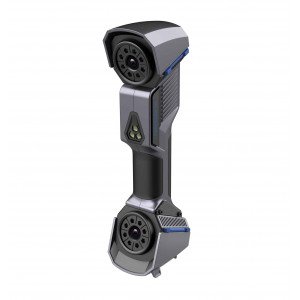
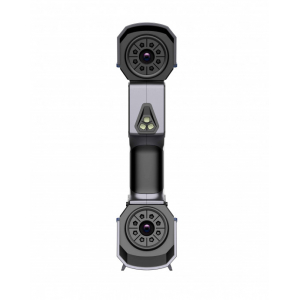
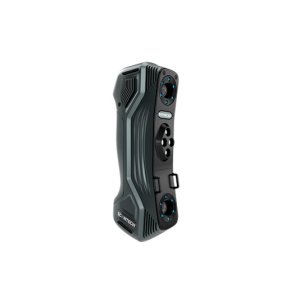
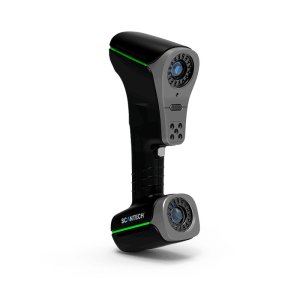
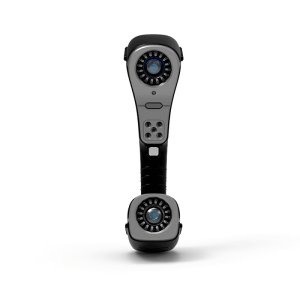
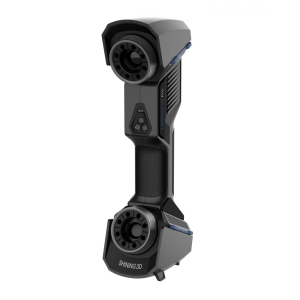
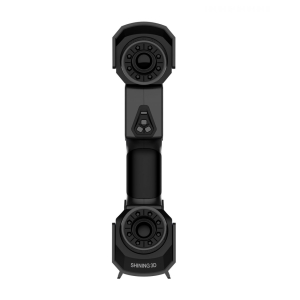
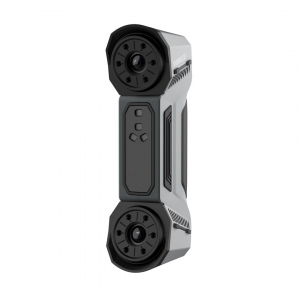
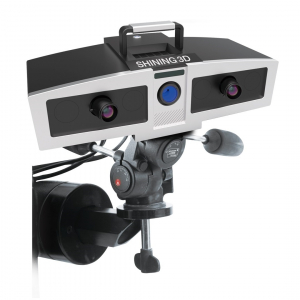
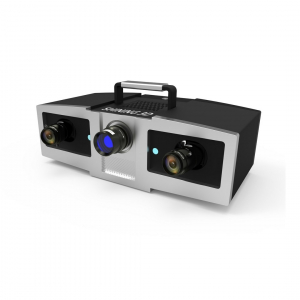
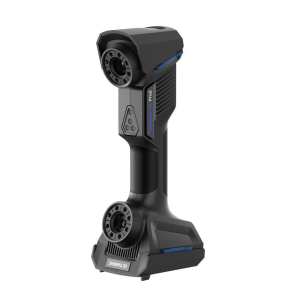
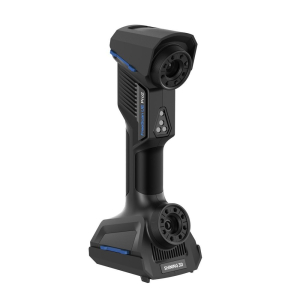
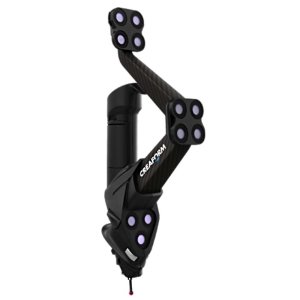
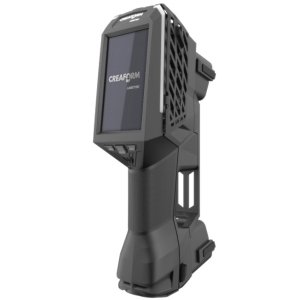
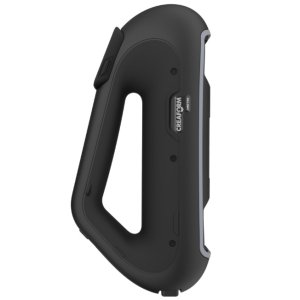
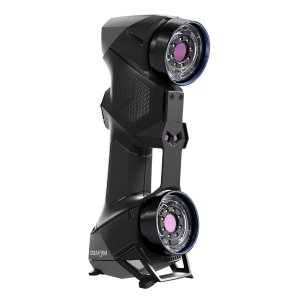
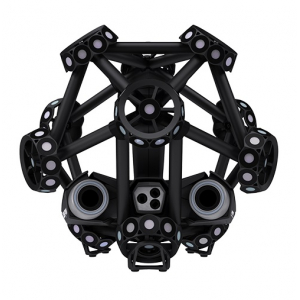
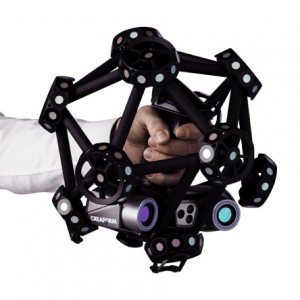

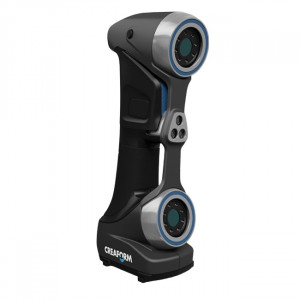
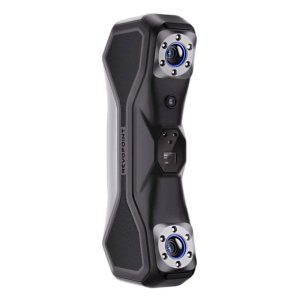
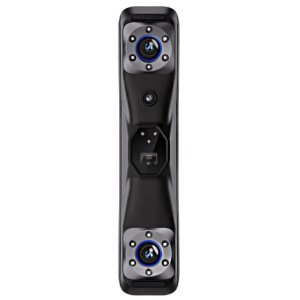
-300x300.jpg "3D scanner Creaform HandySCAN MAX")
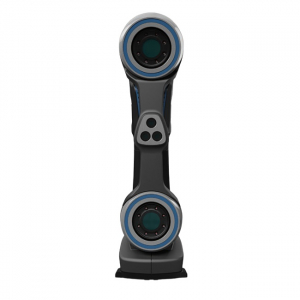
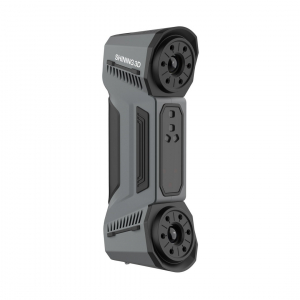
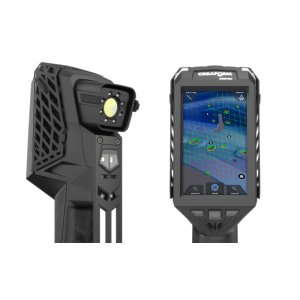
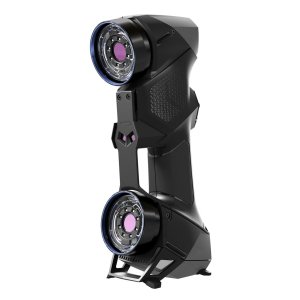
-300x300.jpg "3D scanner Creaform HandySCAN MAX")